
DTF Workflow Affinity
$19 once
Includes 1 year of updates; after that updates are $10/year if you want them.
- All 10 pipeline steps incl. white underbase
- Texture library
- 300 dpi PNG export
- Keeps working without renewal
Tools by deinprint
Two scripts for DTF and sticker production, built in our own print shop in Chur, Switzerland. One turns any image into a clean 300 dpi transfer PNG with a white underbase. The other turns your magenta or cyan lines into a real CutContour spot colour and draws the sticker border for you.
For Affinity by Canva 3.3 or newer · macOS and Windows · one-click installer
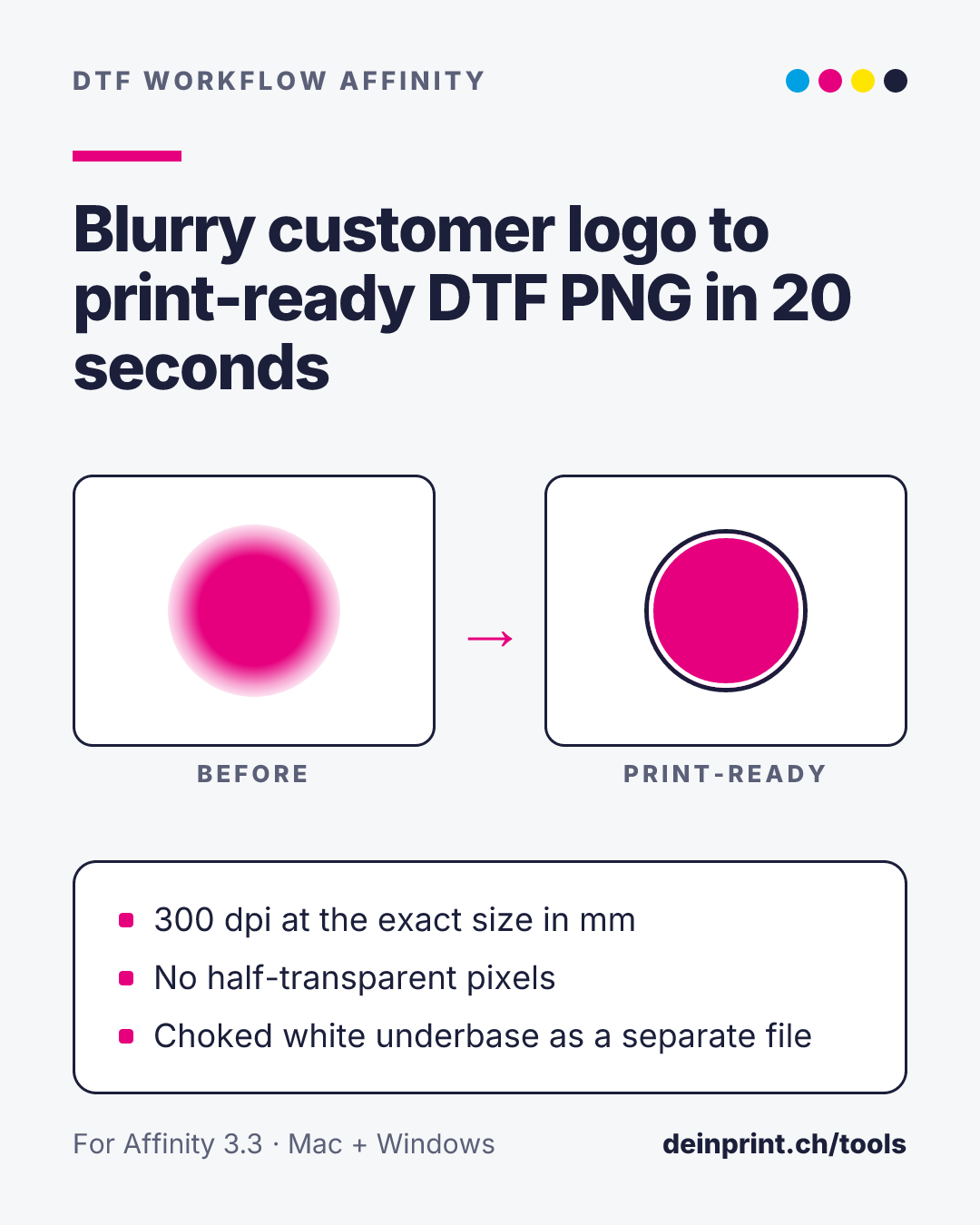
Select an image or pixel layer, run the script, choose your print width in mm. You get a 300 dpi PNG on your Desktop plus a separate white-underbase PNG for your RIP.
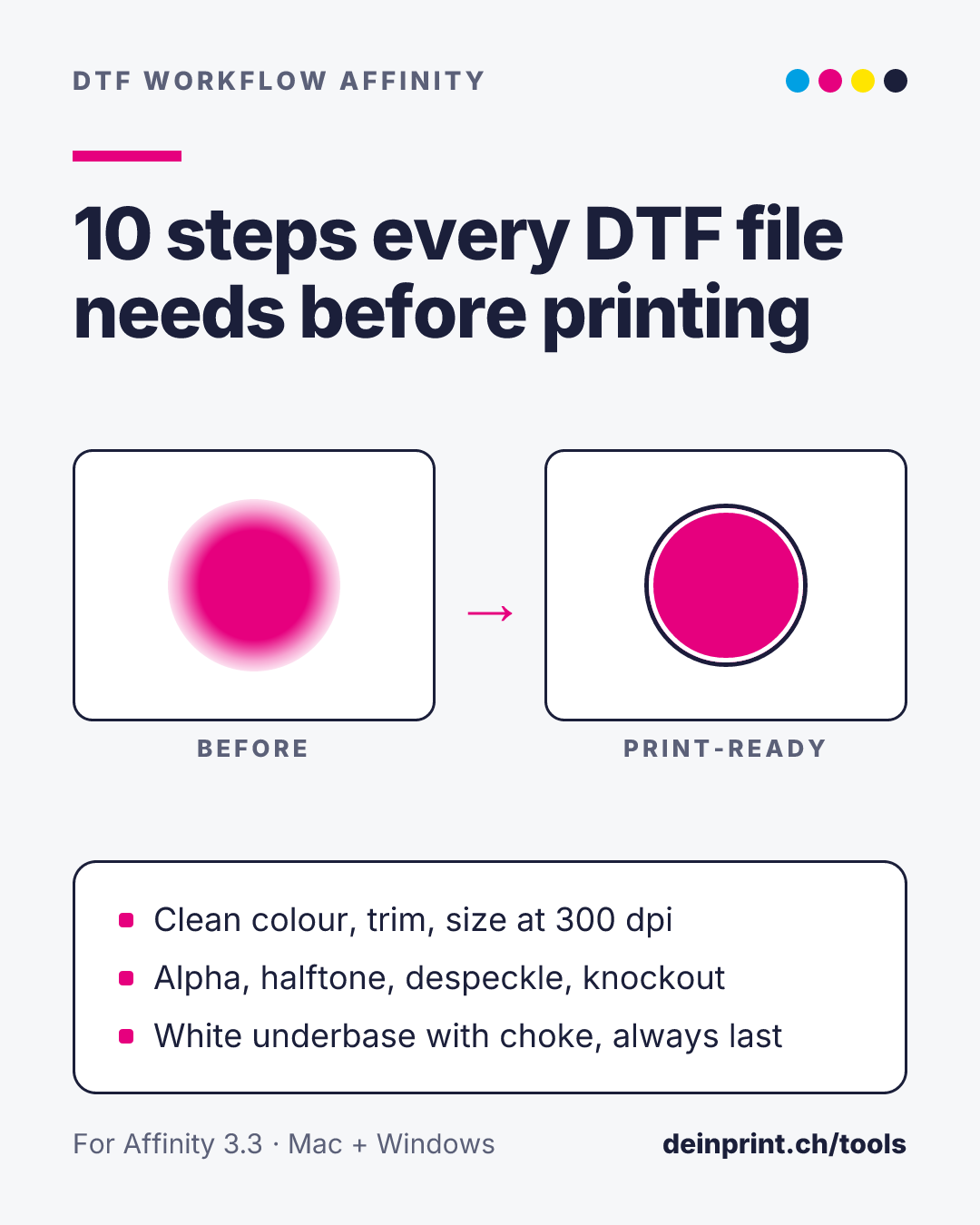
Each can be switched on or off, order is adjustable, step 10 always runs last.
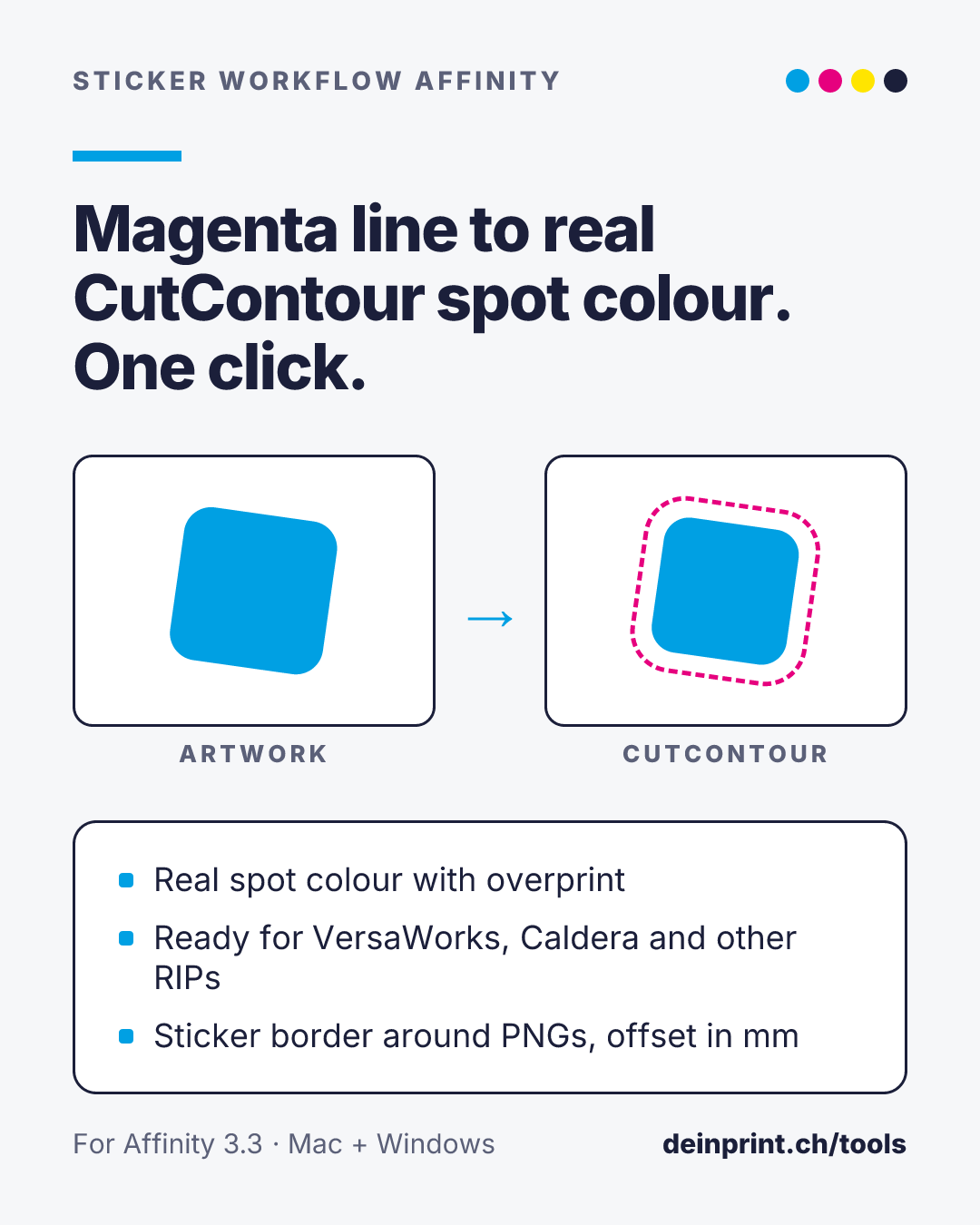
Draw in magenta or cyan
Vector lines and shapes in 100 % magenta or 100 % cyan are found automatically.
Run the script
They become the spot colour CutContour, set to overprint, with your line width.
Get the sticker border
Optionally a smooth contour around your artwork at the offset you set in mm, with a white backing.
At checkout you choose Mac or Windows. Right after payment you get your download on this site and by e-mail.
$19 once
Includes 1 year of updates; after that updates are $10/year if you want them.
$29 first year
Then $10/year for updates to both.
$19 / year
Includes all updates while subscribed.
Already own DTF Workflow Affinity and your update year has ended? Renew updates for $10/year.
Affinity by Canva, version 3.3 or newer, on macOS or Windows. The scripts run in Affinity's Scripts panel.
Unzip the download and double-click the installer. It starts Affinity and adds the script to your Scripts library. Once per computer, open Affinity › Settings › Scripts › File system access and add your Desktop.
On a Mac, right-click the installer and choose Open, then Open again. On Windows, choose More info › Run anyway. Only the first time.
Open your download link again (in your purchase e-mail) while your update period runs; it always delivers the latest version. Before installing, delete the old script in the Scripts panel (right-click › Delete script).
The version you installed keeps working.
The licence is for one business. Install it on the computers in your own shop; please don't share the download outside your company.
Write to us via the contact page with the e-mail address you bought with.
Made by G&G Werbetechnik GmbH (deinprint), Chur, Switzerland. Not affiliated with Canva or Affinity.